
AI-Powered Schema Markup for WordPress
The Features That Get Your WordPress Site Found Faster
Schema Monster reads your content, writes the structured data Google needs, and keeps it accurate automatically. No coding. No guesswork. Just more visibility in search for the site you've already built.


- Home
- »
- Features
AI Schema Automation for WP
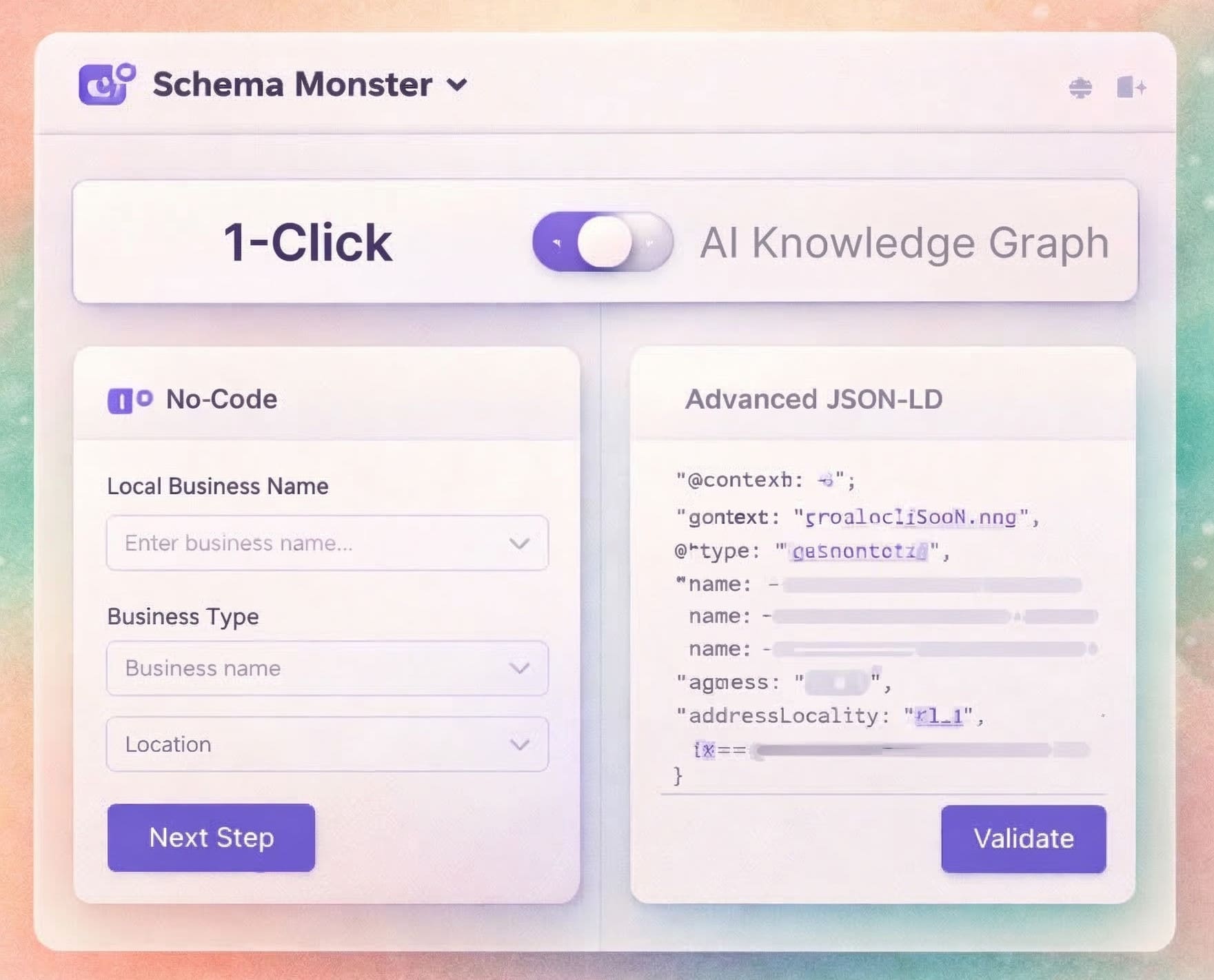
One Setup. Two modes. Zero headaches.
Schema Monster runs in two modes from a single install. On a standard WordPress site, it handles local business, organization, article, and content schema. On a WooCommerce store, it adds product and offer data pulled straight from your catalog. You set it up once. It picks the right markup for every page from there.
-
WordPress Ready
-
WooCommerce Enabled
SMBs, Local Businesses & Agencies
Built Around the Rich Results SMBs Actually Care About
Most schema tools support everything in theory and nothing well in practice.
Schema Monster focuses on the 9 structured data types that generate the most visible, measurable results for businesses like yours.
Cleaner structured data management. Covered out of the box: Local Business, Organization, Breadcrumb, Article, Product Snippet, Merchant Listing, Review Snippet, Event, Video, and more.

Local Business
Show hours, service area, phone, and reviews the way Google's local panel expects. Customers see how to reach you before they open the page.
Organization
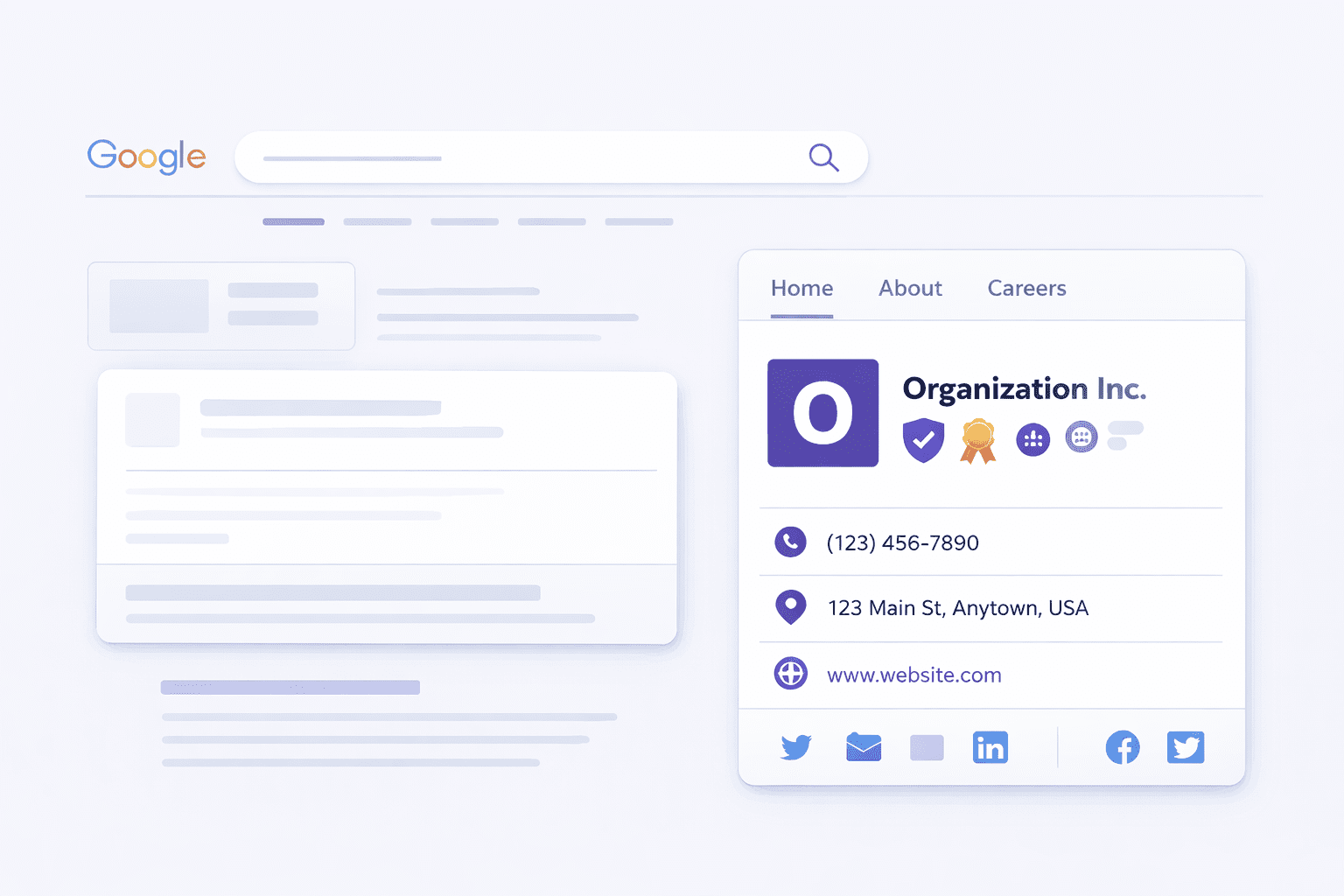
Tie your logo, name, and contact details to one clear brand entity. Search engines stop guessing which business you are.
Breadcrumb
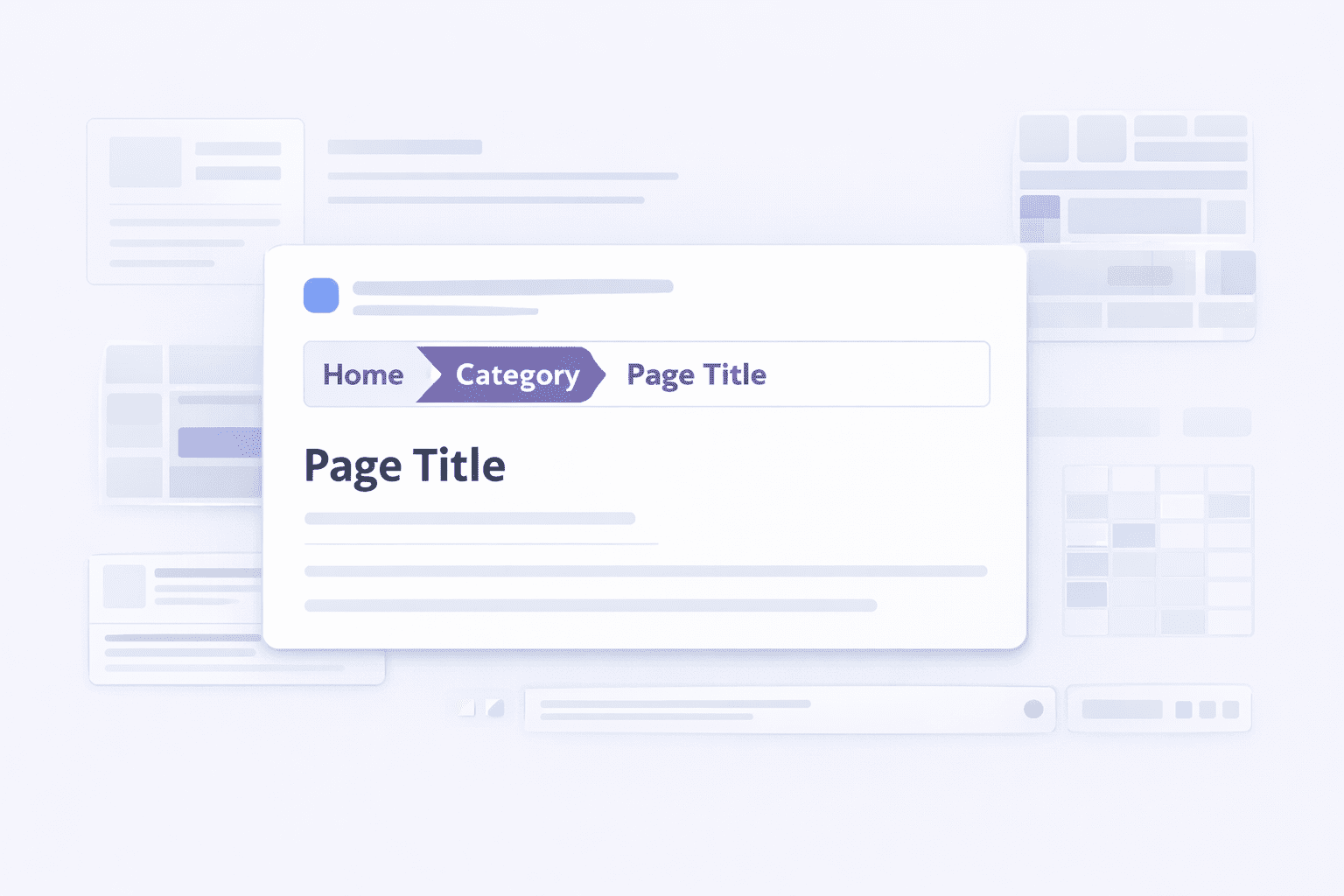
Give search engines a clean map of your site structure. Listings show a readable path instead of a raw URL.

Article
Add headline, author, date, and image signals to posts, guides, and service explainers so they carry more context in search.
Review Snippet
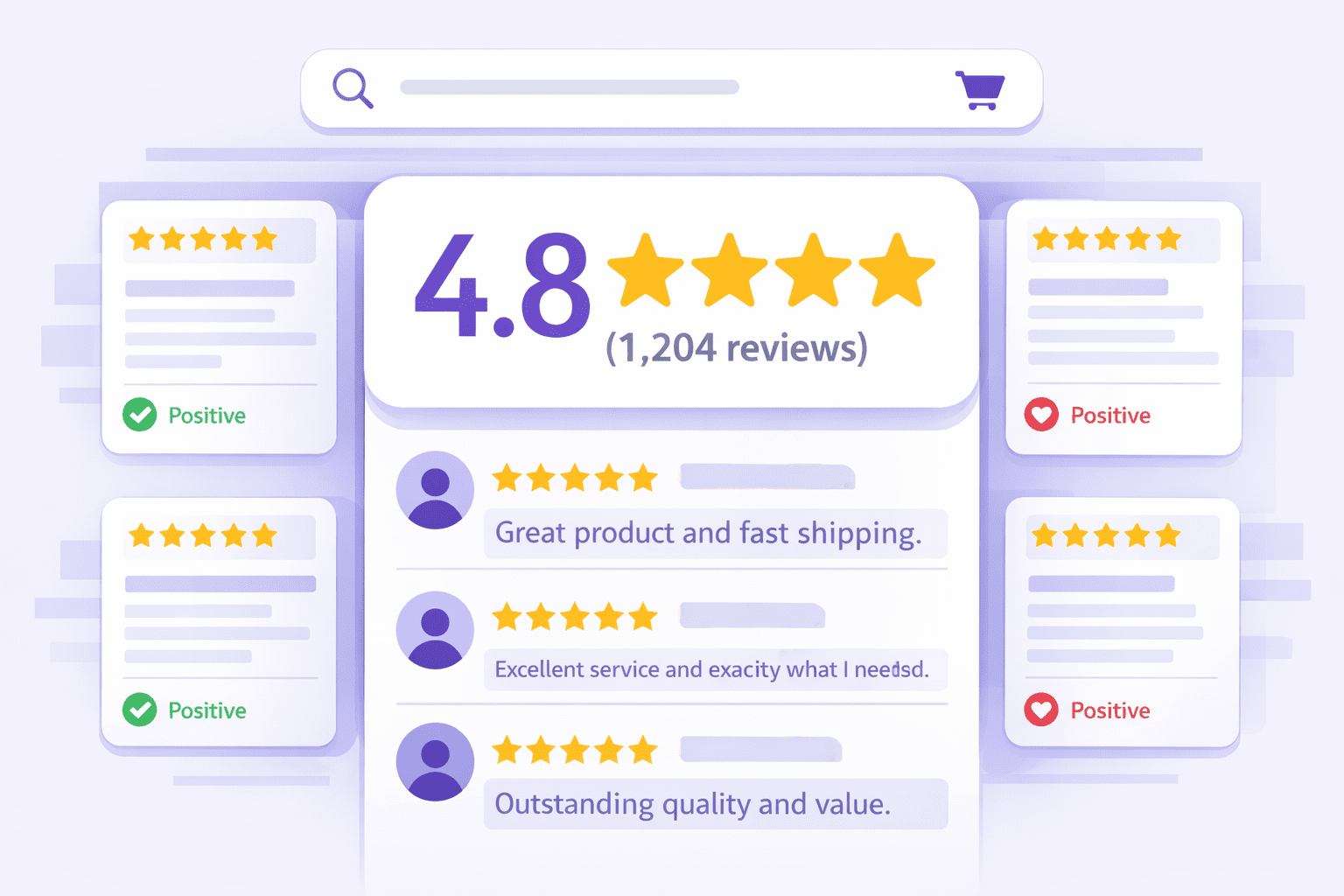
Turn the ratings already on your pages into star snippets. A listing with stars pulls more clicks than one without.

Product Snippet
Surface price, availability, and rating on product pages so shoppers see the details that decide the click.
Merchant Listing
Add the shipping, returns, and stock data that shopping surfaces use to rank and display your products.

Event
Mark up webinars, classes, and launches with date, time, and location so they show when people search for what's on.

Video
Give demos and tutorials key-moment and thumbnail data so they stand out in video results.
How It Works
Up and Running in Three Steps. No Developer Needed.
Most schema tools need a developer, a plugin stack, or hours of manual work to get right.
Schema Monster gives WordPress sites a faster path from install to live structured data
in a single afternoon.
Set the foundation
Add your business profile, locations, and core site details once. That feeds your site-wide Organization and WebSite schema, and becomes the source every page draws from.
Scan and Generate
Schema Monster classifies each page, works out what it is, and generates the right JSON-LD with dynamic placeholders that auto-fill from your page data. On Mega, AI reads the actual page content and builds more optimized schema.
Validate and Deploy
Markup is checked against Google's requirements, then injected into your page head. Review what went live, catch anything blocked or broken, and confirm it worked.
Built-In Safety
AI Schema You Can Actually Trust
AI that writes schema can also invent it. A field with no basis on your page is worse than no schema at all, because it tells search engines something untrue about your business. Schema Monster guards against that on every page, on every plan.
-
Hallucination Protection Strips out any AI-generated field that isn't backed by real content on the page. Your schema describes your actual page, not a guess.
-
Competitor Schema Stripping Detects and removes conflicting markup left by other plugins or your theme, so search engines read one clean source.
-
Injection Guards Blocks malformed or invalid data before it reaches your output. Bad input never becomes live schema.
Schema Monster Features
Built for real WordPress workflows, not fantasy setups.
Built for Ease and Scale
Agency-Friendly Workflow
Agencies don't need another fiddly service line. They need the same clean result on every client site, without rebuilding it by hand each time.
Schema Monster gives lean teams a repeatable workflow: bulk generation across pages, consistent output, and white-label admin so the work looks like yours. Set the approach once, then run it across the roster.
-
Bulk operations to roll out schema across client sites fast
-
White-label admin that removes Schema Monster branding
-
Custom schema types for clients with non-standard content
-
Priority support and API access for your own tooling
Schema Monster Frequently Asked Questions
New to schema, or just checking it fits your site? Here are the questions we hear most.
It classifies each page on your WordPress site, generates JSON-LD structured data, validates it against Google's requirements, and injects it into your page head. The free plugin does this with standard schema templates. Mega adds AI generation.
Yes, on the free plugin. It pulls accurate product data — price, stock status, ratings — straight from WooCommerce, so your product schema stays in sync with your catalog.
For most local and small businesses: Local Business, Organization, Breadcrumb, Article, Product Snippet, Merchant Listing, Review Snippet, Event, and Video. Schema Monster covers these out of the box.
Page Classification detects what each page is — product, article, local business, and so on — and maps it to the closest Schema.org type, with dynamic placeholders that fill in your page data.
Free generates and validates standard schema automatically, builds site-wide Organization and WebSite markup, and pulls WooCommerce data. Mega adds AI schema generation, bulk operations, custom schema types, advanced analytics, API access, and white-label admin.
No. Hallucination Protection runs on every plan and removes any AI-generated field that isn't backed by real content on the page. Your schema reflects what's actually there.
Yes, on every plan. Validation checks each page against Google's structured data requirements and flags errors before the markup goes live.
Competitor Schema Stripping detects and removes overlapping markup from other plugins or your theme. Schema Monster owns the JSON-LD layer, so search engines read one clean source instead of three competing ones.
Get started with Schema Monster
Make Your Site Easier for Search Engines and AI to Read Clearly
If your schema markup process depends on touching every page manually, the process is the problem.